> For the complete documentation index, see [llms.txt](https://docs.common.fi/knowledge-base/llms.txt). Markdown versions of documentation pages are available by appending `.md` to page URLs; this page is available as [Markdown](https://docs.common.fi/knowledge-base/legacy-info/dex-and-bridge/account/how-to-connect-your-wallet.md).
# How to Connect Your Wallet
In this guide, we'll go over how to connect with Common so you can begin exploring the rest of the functionalities offered by this novel DEX.
1. Access the Common website.
2. In the upper right-hand corner, you will see a button called "Connet." Click it! Once you do so, a window will appear showing the wallets currently supported by Common. Click the wallet you wish to use. For this example, we'll be using Nightly.
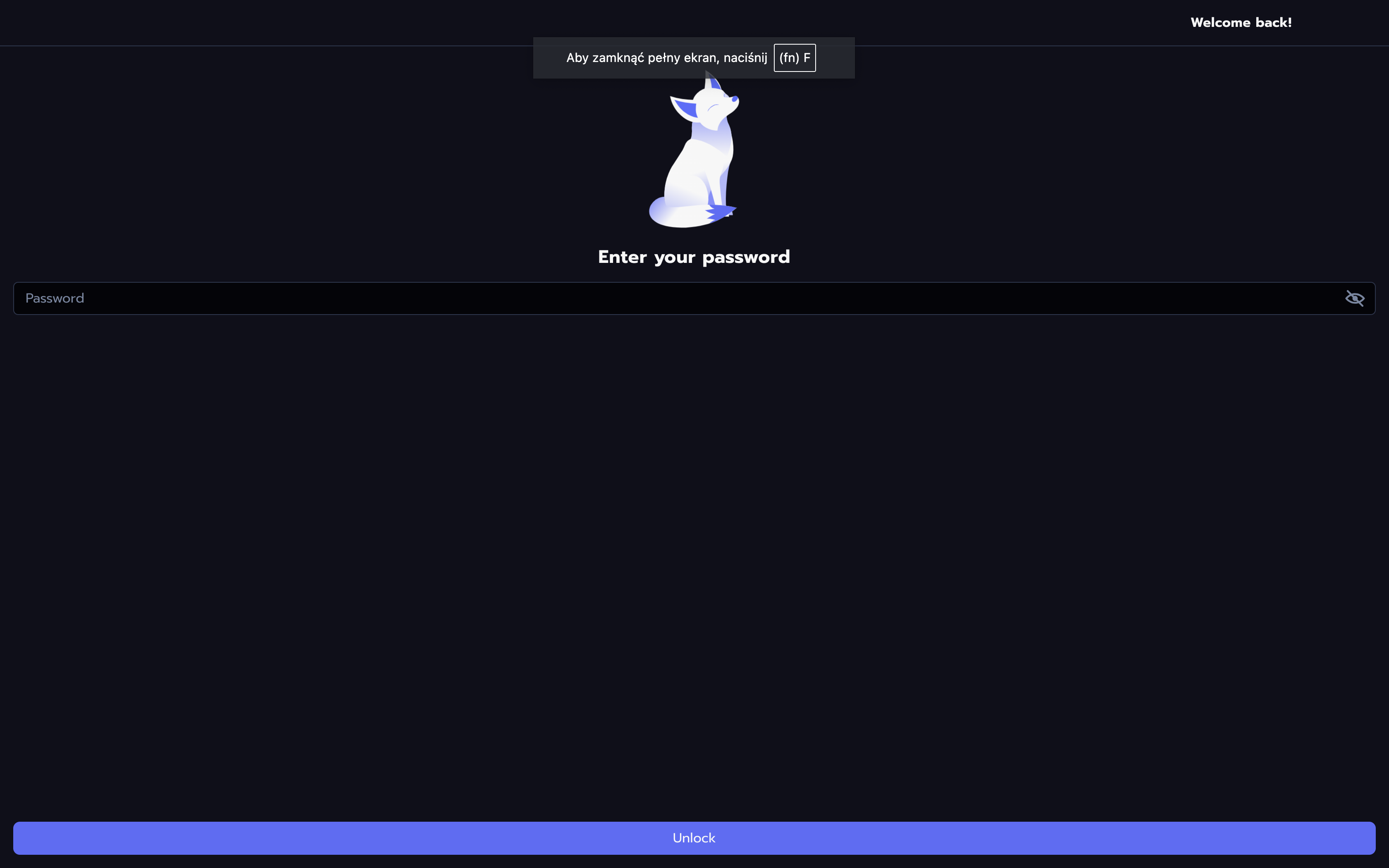
3. Click on the wallet of your choice and type the password into your wallet in the new window.
4. Choose the account you wish to connect.
5. Congratulations, you've just signed into Common!
To learn more about the Common web app, be sure to check our other guides on:
* [Bridging](/knowledge-base/legacy-info/dex-and-bridge/bridge/how-to-bridge-with-most.md)
* [Farming](broken://pages/IlL06oLX5KIchTVbN5uB)
* [Checking Your Account Balance](/knowledge-base/legacy-info/dex-and-bridge/account/how-to-check-your-balance.md)
* [Swapping Coins](/knowledge-base/legacy-info/dex-and-bridge/swap/how-to-swap-tokens.md)
* [Adding Funds to Liquidity Pools](/knowledge-base/legacy-info/dex-and-bridge/pool/explaining-liquidity-pools.md)